Docs/Pair your iPad controller
Pair your iPad controller.
Open one link, add it to your home screen, and run the break by touch. About 15 seconds.
The 15-second flow
-
Open your controller link
On your iPad, open Safari, log in to your dashboard, and tap your controller link.
-
Add it to your home screen
Tap the Share button, then Add to Home Screen, then Add. The controller gets its own icon next to your other apps.
-
Open it like an app
Tap the new icon. The controller opens full screen, no browser bars. Every team on your board is now one tap away.
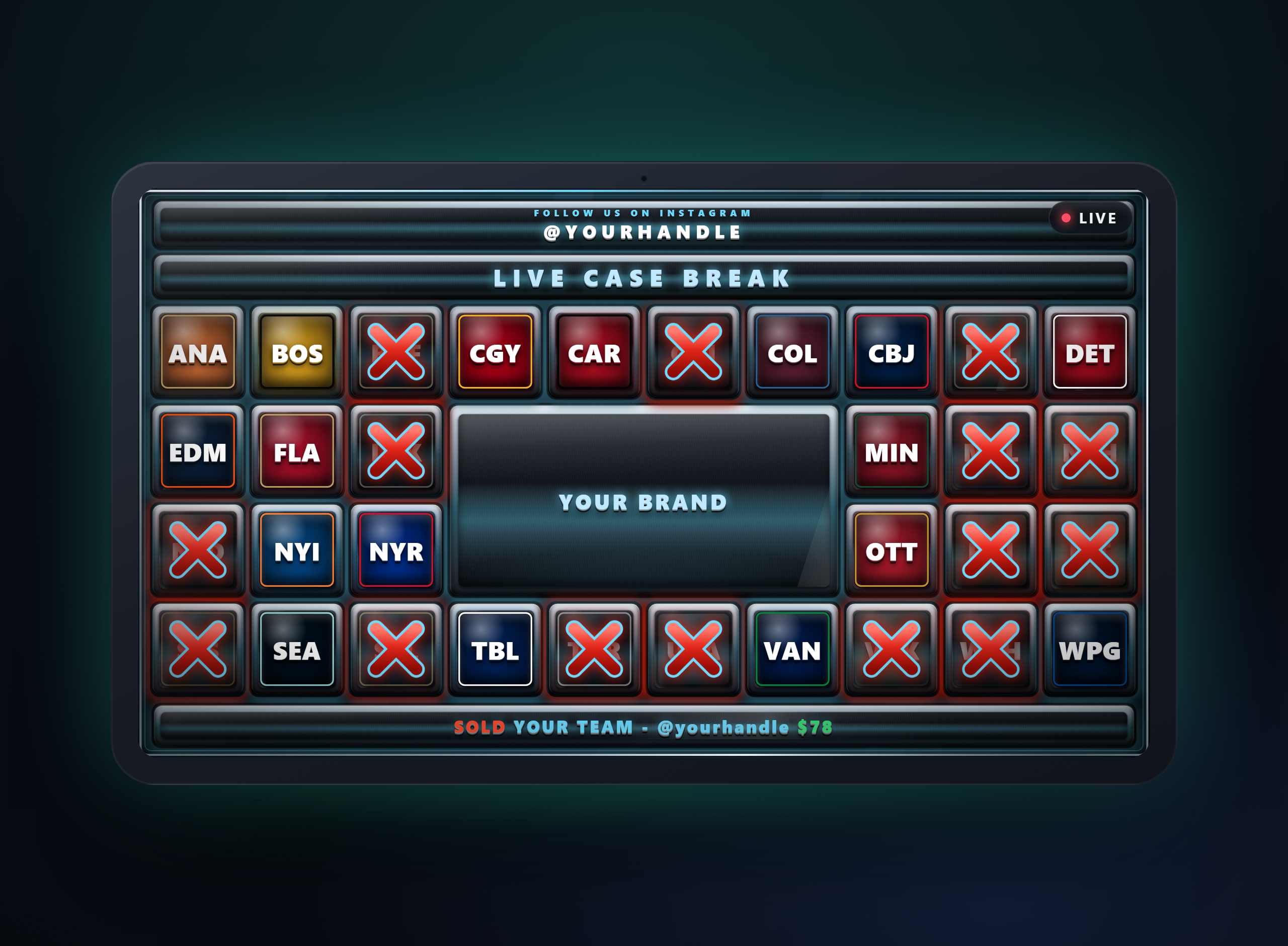
What a tap does
Tap a team and it is sold on stream the same second. The X slams over the tile, the ticker calls the buyer and price, and the totals keep themselves. Pull a hit and the board calls that too.
Want to feel it first? The layout gallery runs a live demo board you can play with.
Good to know
Built for venue wifi
When the connection blips, the controller reconnects on its own and squares the board with your last taps. The board on stream holds steady the whole time.
No iPad? No problem.
The controller runs in the browser on your phone or laptop the exact same way. The iPad is the nicest desk for it, not a requirement.